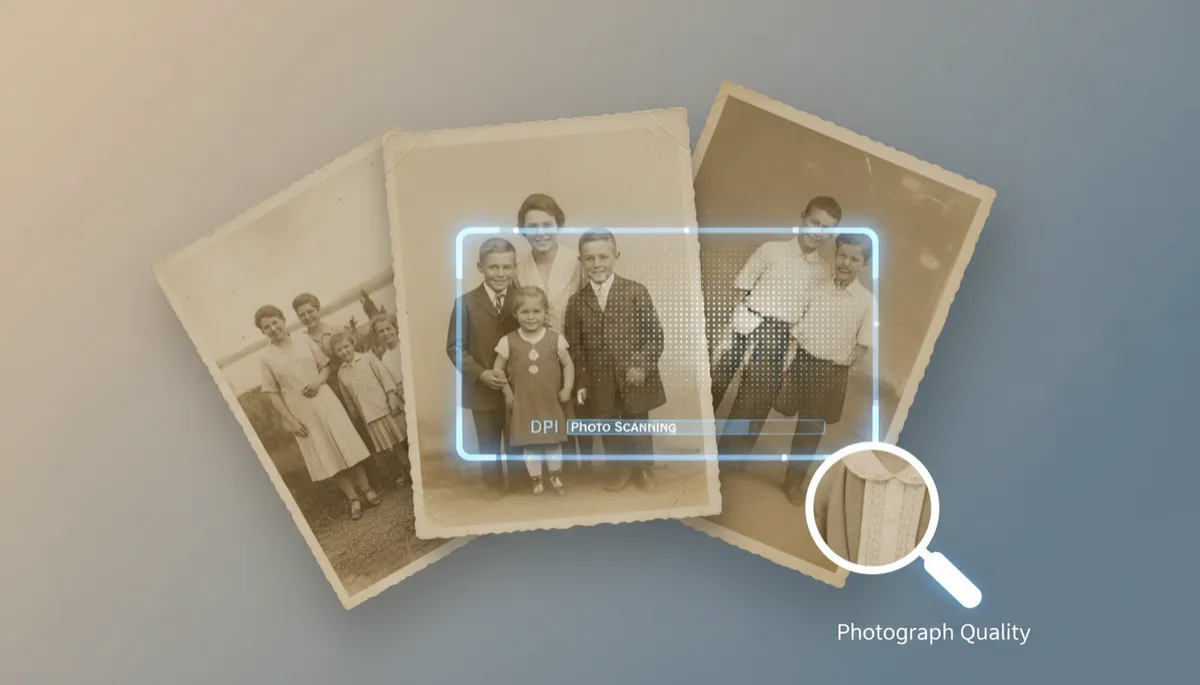
Is 300 DPI Enough for Scanning Old Photos?
Scanning, DPI Scanning, Old Photographs, Photo Scanning, Photograph Quality
Is 300 DPI Good Enough for Scanning Old Photographs?
If you have shoeboxes, albums, or framed prints full of memories, you may be wondering what resolution you really need when doing DPI scanning. Is 300 DPI “good enough” for photo scanning, or should you go higher to protect the photograph quality of your treasured old photographs? This guide from USA IMAGING, Inc. in San Diego walks you through the answer in plain language so you can make a confident choice.
What Does DPI Mean in Photo Scanning?
DPI, or dots per inch, describes how much detail a scanner captures from your photo. In simple terms, the higher the DPI, the more information is recorded. During DPI scanning, a 300 DPI setting captures 300 tiny dots of information for every inch of your old photograph. A 600 DPI scan captures twice as many dots in the same space, resulting in a larger and more detailed file.
However, more is not always automatically better. Higher resolutions mean larger files, longer scanning times, and more storage space. The right DPI for photo scanning depends on how you plan to use the digital image now and in the future.
When Is 300 DPI Good Enough for Old Photographs?
For many everyday needs, 300 DPI is absolutely sufficient. In fact, 300 DPI has long been considered the standard resolution for high-quality printing. If your goal is to:
Create digital backups of family albums to view on screens
Reprint photos at the same size as the original (for example, 4x6 or 5x7)
Share images by email or social media without enormous file sizes
…then 300 DPI photo scanning typically offers a very good balance of detail, file size, and convenience. For many families USA IMAGING, Inc. serves in San Diego County, a well-calibrated 300 DPI workflow produces digital photos that look sharp, clear, and true to the original photograph quality when viewed on modern screens or printed at original size.
💡 Pro Tip: If you only ever plan to view your photos on phones, tablets, or standard computer monitors, 300 DPI scans are usually more than enough.
When Should You Go Above 300 DPI?
There are important situations where higher-resolution DPI scanning—such as 600 DPI or even 1200 DPI—can better protect your memories and future options. Consider scanning at a higher DPI if:
You want to enlarge the photo significantly (for example, turning a 4x6 print into a large wall print).
The old photograph is very small, such as a wallet-sized portrait or vintage contact print.
You plan to do detailed restoration work—removing dust, scratches, or fading in an editing program.
The image contains very fine details, such as group photos, uniforms, documents, or landscapes with lots of texture.
In these cases, higher DPI scanning captures more information from your old photographs, giving you more flexibility later. USA IMAGING, Inc. often recommends 600 DPI or higher for historically important images, professional portraits, or any photo you might want to enlarge for display.
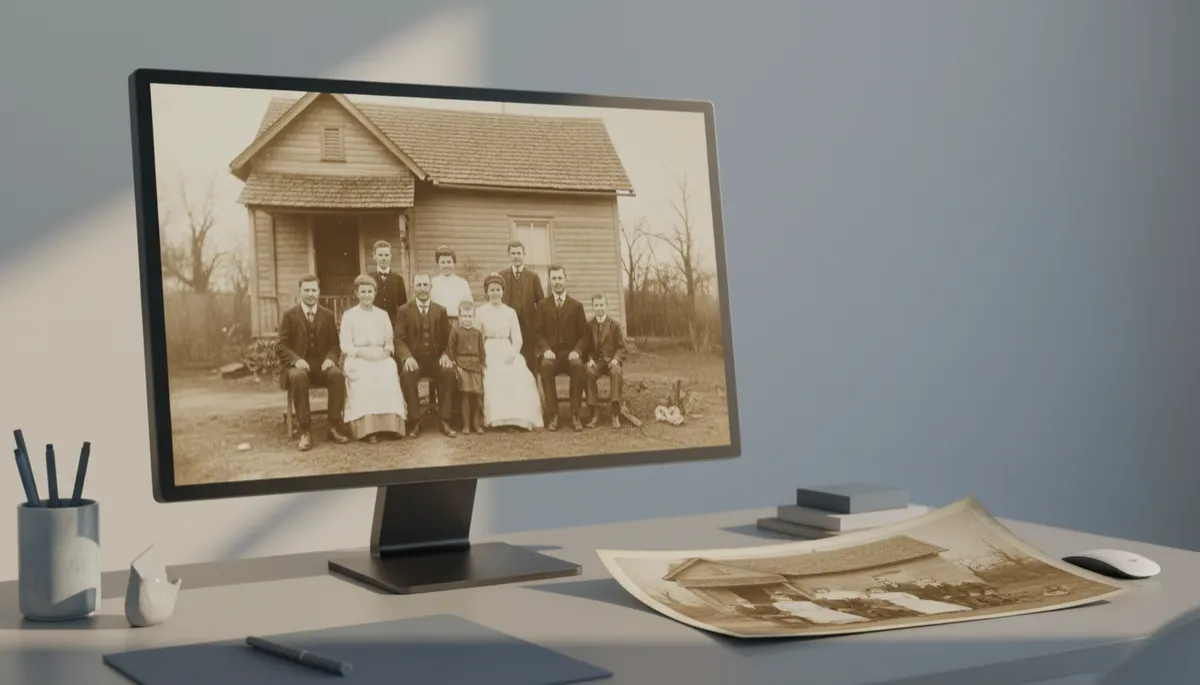
Higher DPI scanning preserves fine details that matter when restoring or enlarging photos.
DPI Scanning vs. Overall Photograph Quality
Resolution is only one piece of the photograph quality puzzle. A blurry original print will not become tack‑sharp just because it was scanned at 1200 DPI. Likewise, a well-exposed, in-focus 4x6 print scanned at 300 DPI on professional equipment can look better than the same photo scanned at 600 DPI on a poorly maintained home scanner.
Professional photo scanning services like USA IMAGING, Inc. pay close attention to lighting, color calibration, dust removal, and file handling. We combine the right DPI with careful preparation of your old photographs, resulting in digital files that are clean, accurate, and ready for sharing, printing, or archiving. This holistic approach is crucial for families and businesses that want their digital images to stand the test of time.
Choosing the Right DPI for Your Project
To decide whether 300 DPI is good enough for your old photographs, start with two questions:
How will I use these images in the next few years? If you mainly want to view them on screens and make small prints, 300 DPI is usually appropriate.
Do I want to “future‑proof” these scans? If you might later enlarge, restore, or professionally print them, a higher DPI today can save time and cost later.
Many families choose a mixed approach: 300 DPI for everyday snapshots, and 600 DPI or higher for heirloom portraits, wedding photos, or historically important images. A professional partner like USA IMAGING, Inc. can help you review sample scans and choose the right resolution for each batch, balancing photograph quality, storage needs, and budget.
Partner with a Trusted Scanning Expert in San Diego
Since 1991, USA IMAGING, Inc. has helped San Diego County families and businesses convert paper records and old photographs into organized, secure digital archives. Our team understands that these are not just pieces of paper—they are irreplaceable memories and important records. We combine professional-grade photo scanning equipment, careful handling, and secure processes that align with our values of confidentiality, accuracy, and reliability.
Whether 300 DPI is right for your project or you need higher-resolution DPI scanning, we will guide you through your options, explain trade‑offs clearly, and tailor a solution to your goals. From a single box of family photos to large archives of corporate imagery, we treat every project with the same attention to detail and respect for your privacy.
📌 Key Takeaway: 300 DPI is “good enough” for many everyday uses, but higher DPI is wise for small prints, enlargements, and restoration work. When in doubt, ask a professional to review your originals.
Ready to preserve your old photographs with the right balance of resolution and photograph quality? Contact USA IMAGING, Inc. today to discuss your project and Get a Quote for professional, secure photo scanning services in San Diego County and surrounding areas.


