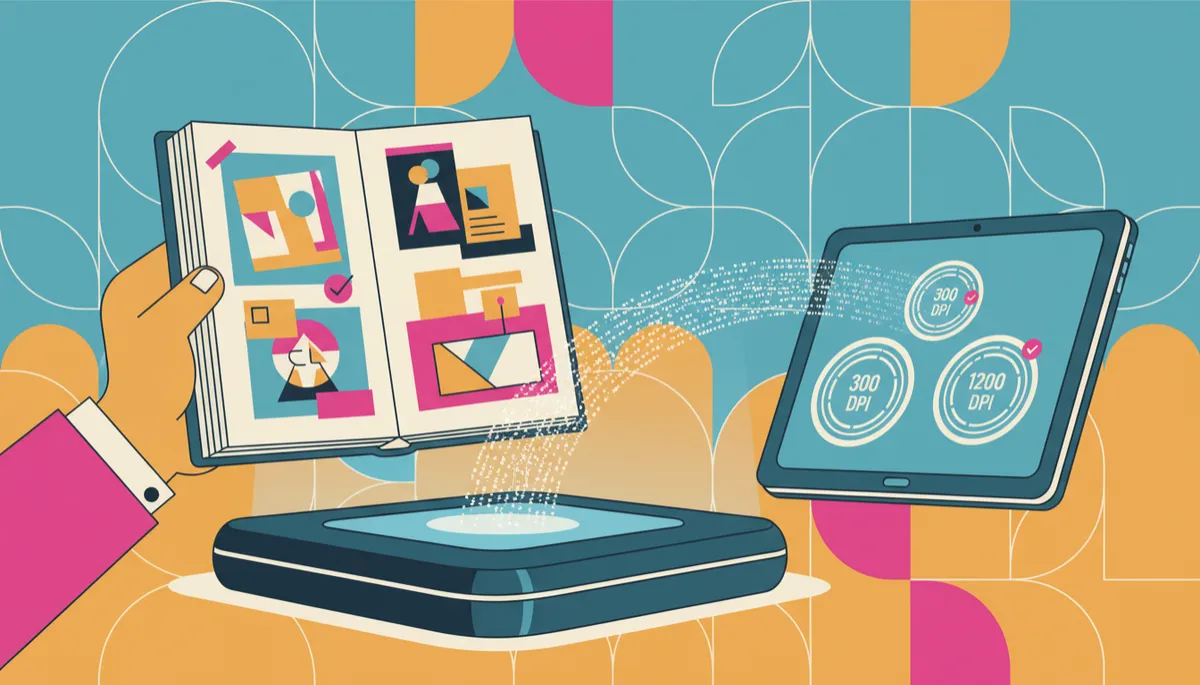
Best DPI for Scanning Scrapbooks: 300, 600, or 1200?
Scrapbook Scanning, DPI Scanning, Best Scanning Resolution
300, 600 or 1200 DPI: What’s Best for Scanning Scrapbooks?
If you’re ready to preserve your cherished scrapbooks, you’ve probably run into a confusing question: DPI Scanning—should you choose 300, 600, or even 1200 DPI? As San Diego’s long‑time document and scrapbook scanning specialists, USA IMAGING, Inc. is here to walk you through the best scanning resolution for your memories in a clear, friendly way.
What Does DPI Mean, Really?
Let’s start simple. DPI stands for “dots per inch.” In everyday terms, it’s a measure of how much detail your scanner captures. A higher DPI means more tiny “dots” of information per inch of your scrapbook page. More dots = more detail, but also larger file sizes and longer scan times.
When you’re thinking about DPI scanning for scrapbooks, you’re really balancing three things:
How sharp and detailed you want the digital images to look
How you plan to use or share those images (print, web, slideshow, etc.)
How much storage space you’re comfortable using
300 DPI: Great for Everyday Viewing and Sharing
For many families, 300 DPI is a solid, practical choice for scrapbook scanning. At 300 DPI, your pages will look clear and crisp on screens and in standard reprints close to the original size. It’s also the long‑standing standard for good-quality printing.
Benefits of 300 DPI scanning:
Ideal for viewing on phones, tablets, and computers without huge file sizes
Works well for photo books and reprints at similar sizes to the original scrapbook
Faster scanning and easier online sharing with family members
At USA IMAGING, Inc., we often recommend 300 DPI when the goal is simple: preserve the layout, keep the colors true, and make it easy for everyone in the family to enjoy the pages digitally.
600 DPI: The Sweet Spot for Detailed Scrapbooks
If your scrapbooks include tiny handwriting, intricate stickers, or small photos you may want to crop and reprint later, 600 DPI is often the best scanning resolution. It captures noticeably more detail than 300 DPI, which can make a real difference for older, faded, or handwritten elements.
Why so many scrapbookers love 600 DPI scanning:
Better readability for cursive notes, dates, and captions
More flexibility for enlarging individual photos from a page without losing quality
A nice balance between file size and high-quality detail
💡 Friendly Tip: For most scrapbook scanning projects we handle at USA IMAGING, Inc., 600 DPI is the “just right” choice—especially if the scrapbooks are older or especially meaningful.
1200 DPI: When Is Ultra‑High Resolution Worth It?
1200 DPI sounds impressive, and it can be useful—but it’s not always necessary. At this level, you’re capturing extremely fine detail that may not be visible to the naked eye. That’s helpful in specific situations, but it also creates very large files that can be slower to open, share, and store.
Consider 1200 DPI scanning if:
You plan to make large poster‑size prints from small photos in the scrapbook
Your scrapbook includes tiny, detailed artwork or very small text you want to preserve perfectly
You’re creating an archival master copy and are comfortable managing large file sizes
For most families in San Diego County, 1200 DPI is more than they need for everyday viewing and sharing. That’s why our team at USA IMAGING, Inc. usually recommends it only for select pages or special elements, rather than an entire project.
Choosing the Best Scanning Resolution for Your Scrapbooks
Still unsure which DPI is right for you? Here’s a quick way to decide:
Mostly digital viewing and simple reprints: 300 DPI is usually enough.
Detailed pages, older albums, or future enlargements: 600 DPI is often the best scanning resolution.
Special projects or large posters: Use 1200 DPI for select images.
📌 Key Takeaway: More DPI is not always better. The best DPI scanning choice is the one that fits how you’ll actually use your digital scrapbook files.
Why Work with a Professional Scanning Service?
Scrapbooks are often one‑of‑a‑kind. Pages may be bulky, fragile, or filled with layered items like ribbons, envelopes, and keepsakes. At USA IMAGING, Inc., we use professional‑grade scanners and careful handling techniques to capture these pages safely and accurately, without flattening or damaging delicate elements.
Beyond choosing the right DPI, we also help with:
Color correction and gentle enhancement for faded photos
File naming and organization so pages are easy to find and share
Secure handling and confidentiality, backed by decades of experience and compliance with strict standards like HIPAA for sensitive documents
Ready to Preserve Your Scrapbooks?
Whether you choose 300, 600, or 1200 DPI, the most important step is simply getting your scrapbooks safely digitized so they can be enjoyed for generations. If you’re in San Diego County or the surrounding areas, USA IMAGING, Inc. would be honored to help protect your family’s story with professional, secure scrapbook scanning tailored to your needs.
Have questions about DPI scanning or the best scanning resolution for your specific albums? Our friendly team is happy to talk through options, show sample results, and recommend the right approach for your project and budget.
Ready to get started? Contact USA IMAGING, Inc. today to Get a Quote and take the first step toward preserving your scrapbooks safely and beautifully in digital form.


