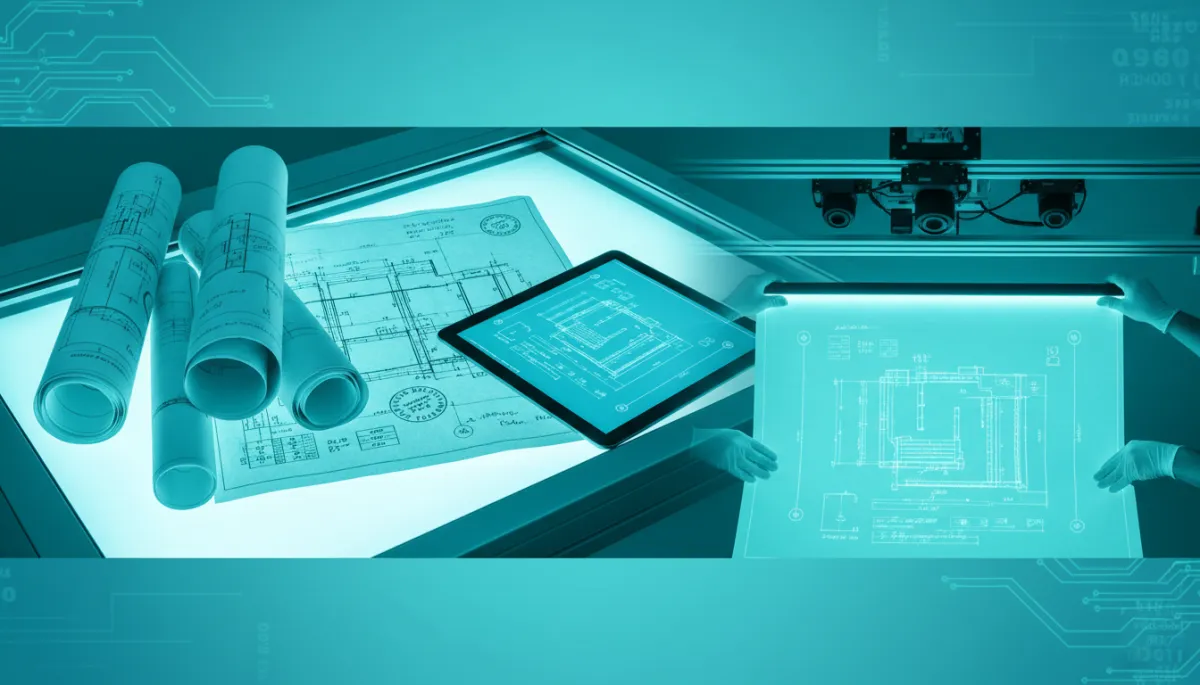
Digitize Blueprints Without Losing Detail
Blueprint Scanning, Document Conversion, USA IMAGING, Inc.
How to Digitize Engineering and Structural Blueprints Without Losing Critical Detail
Converting engineering and structural blueprints to digital files is no longer optional for firms that need fast access, secure storage, and reliable project records. Yet, if the scanning process is not handled correctly, you risk losing the very details that make these drawings usable in the field. With careful planning—and the support of an experienced provider like USA IMAGING, Inc., which began blueprint scanning in 1991—you can preserve every line, dimension, and note with confidence.
Start With Line Clarity: The Foundation of a Usable Scan
Structural and engineering drawings live or die by line clarity. Fine hatch patterns, centerlines, rebar layouts, and electrical runs must remain crisp and distinguishable after scanning. This requires wide-format scanners that are calibrated for technical documents, not just posters or artwork. At USA IMAGING, Inc., technicians adjust contrast and sharpness so that thin lines do not disappear and heavy lines do not bleed together, even on older ammonia or diazo prints.
Proper line clarity also supports downstream uses—such as markups, digital takeoffs, or importing into CAD—where blurred or broken lines can lead to misinterpretation and rework in the field.
Protect Dimensions, Annotations, and Stamps
Dimensions are the numerical backbone of any blueprint. When digitizing, every dimension string, arrow, and tick mark must remain legible at normal viewing levels, not only when zoomed in to 400%. This is where both scanner quality and operator expertise matter. A professional workflow checks that critical dimensions near the title block, section cuts, and detail callouts are all readable before files are released to your team.
Equally important are annotations—handwritten notes, revision clouds, and field changes that often hold the latest project direction. These can be faint, written in pencil, or layered over existing linework. Experienced technicians adjust exposure settings and, when appropriate, use grayscale instead of pure black-and-white to ensure these annotations are captured clearly without muddying the drawing.
Professional and regulatory stamps—engineer seals, approval stamps, and date stamps—must also remain fully legible in the digital version. These elements are often critical for permitting, audits, and legal documentation. USA IMAGING, Inc. treats stamps as essential data, verifying that signatures, license numbers, and approval dates are easy to read and not clipped at the margins during scanning or cropping.
Handling Faded Drawings and Legacy Sets
Many firms still rely on older blueprint sets that have yellowed, faded, or suffered from years of handling. These faded drawings are among the most challenging to digitize without losing information. Advanced scanners, combined with skilled manual adjustment, can recover contrast, deepen light linework, and reduce background noise so the drawing becomes more readable digitally than it is on paper.
Since 1991, USA IMAGING, Inc. has worked with legacy archives from architects, structural engineers, and public agencies across San Diego County, applying careful handling procedures to protect fragile sheets and deliver clean, usable digital files that respect the original intent of the designer.
Choosing the Right Resolution for Technical Drawings
Selecting the correct scanning resolution is one of the most important decisions in blueprint digitization. Too low, and you sacrifice detail; too high, and file sizes become unwieldy for everyday use. For most engineering and structural plans, 300 dpi is a practical baseline, while complex details, small-scale drawings, or very fine text may benefit from 400–600 dpi scanning, especially when future zooming and digital markups are expected.
A trusted provider will recommend resolutions based on how you plan to use the files—whether for on-screen review, printing, CAD reference, or long-term archival. USA IMAGING, Inc. tailors resolution and file formats (such as PDF, TIFF, or JPEG) to your workflow so you receive files that are both detailed and efficient to store, share, and search.
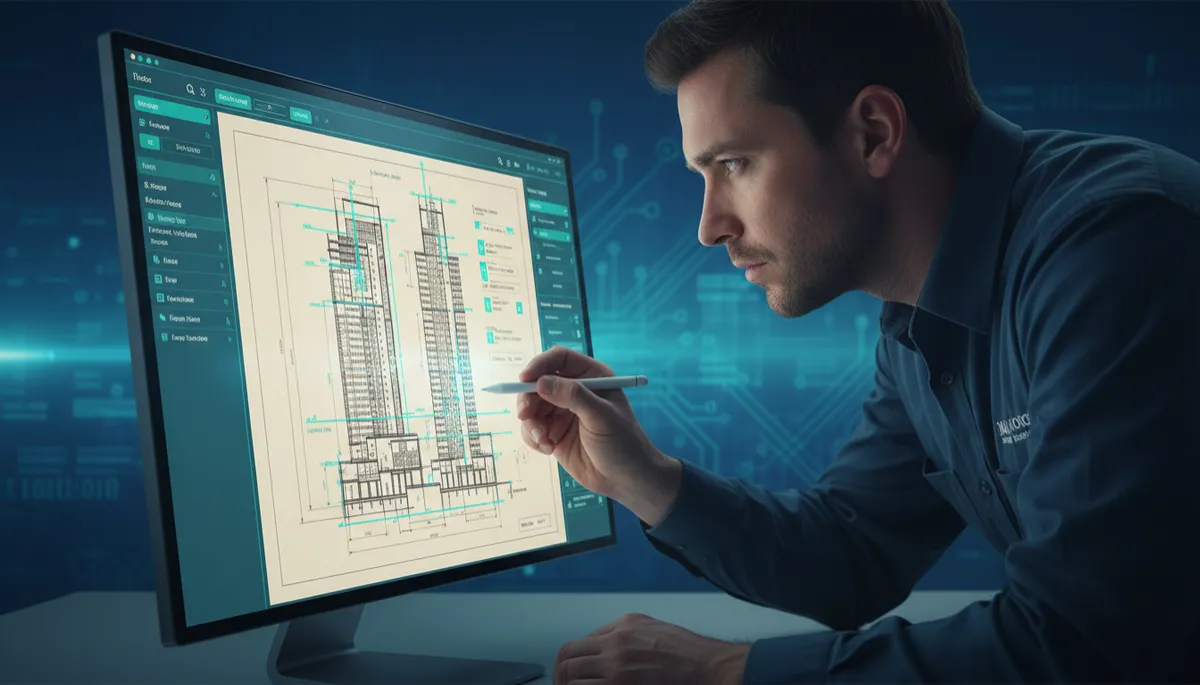
Careful resolution choices keep dimensions, notes, and stamps crisp for daily use.
Partnering With a Proven Blueprint Scanning Expert
Digitizing blueprints is more than running sheets through a scanner. It demands attention to line clarity, dimensions, annotations, stamps, and the special care required for faded drawings and legacy archives. Since 1991, USA IMAGING, Inc. has helped San Diego–area businesses and families transition from paper to organized, searchable digital files while upholding strict confidentiality and security standards, including HIPAA compliance for sensitive records.
If you are ready to safeguard your engineering and structural records—and make them easier to access, share, and store—consider partnering with a team that understands both the technical and practical demands of blueprint scanning. Get a Quote from USA IMAGING, Inc. to ensure your next digitization project preserves every critical detail your projects depend on.


