JPG vs PNG: Best Format for Scanning Photos
Photo Scanning, JPG vs PNG
JPG or PNG: Which Is Best for Scanning Your Photos?
When you digitize old prints, slides, or albums, the file format you choose—JPG or PNG—affects how your memories look today and how flexible they are tomorrow. Here’s a clear, practical guide to help you decide.
JPG vs PNG: What’s the Real Difference?
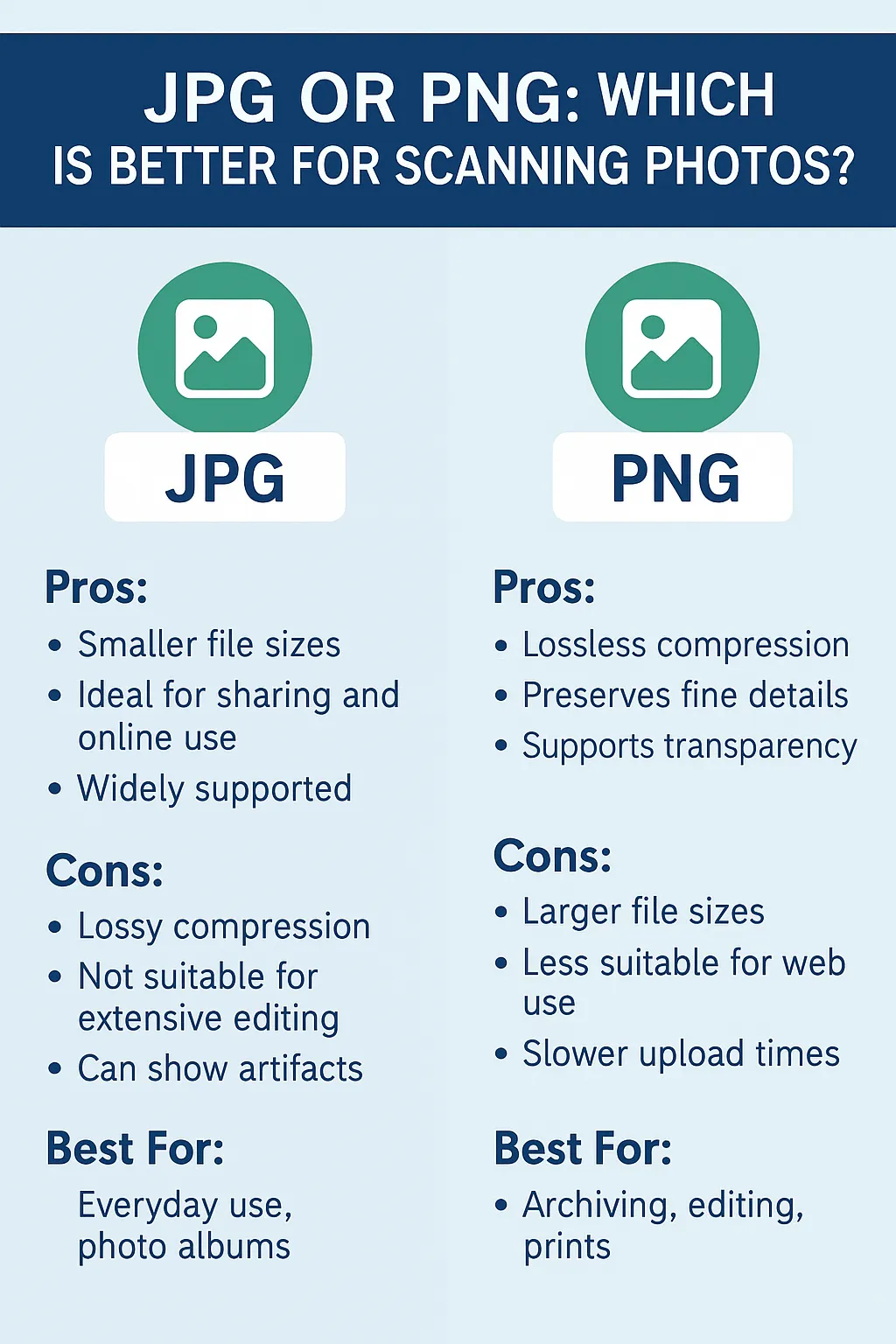
Both JPG and PNG are popular for digital photos, but they handle image data in different ways. JPG uses lossy compression, which reduces file size by discarding some image information. PNG uses lossless compression, keeping every bit of detail from the original scan. The right choice depends on how you plan to use your images—quick sharing, long-term preservation, or detailed restoration work.
JPG: Convenient, Compact, and Easy to Share
JPG (or JPEG) is the most common photo format for everyday use. It’s designed to balance good visual quality with small file sizes, which makes it ideal when you need lots of photos to be easy to store, send, and share.
Pros of JPG for Scanned Photos
Smaller files: You can store thousands of photos without filling your hard drive or cloud storage too quickly.
Highly compatible: Opens on virtually every device, app, and website with no extra software needed.
Fast to upload and share: Perfect for emailing photos, posting on social media, or creating online galleries.
Cons of JPG for Scanned Photos
Lossy compression: Some fine detail is permanently removed to keep the file small, even if the photo still looks good at a glance.
Not ideal for heavy editing: Repeated editing and saving can introduce visible artifacts, like blocky patterns or halos around edges.
Less suited to archiving: When you want a true “master” copy, JPG is not the most future-proof option.
Best Use Cases for JPG
Everyday family viewing—slideshows on TVs, tablets, and phones.
Sharing with relatives by email, text, or social media.
Standard-sized prints and photo books where convenience and speed matter.
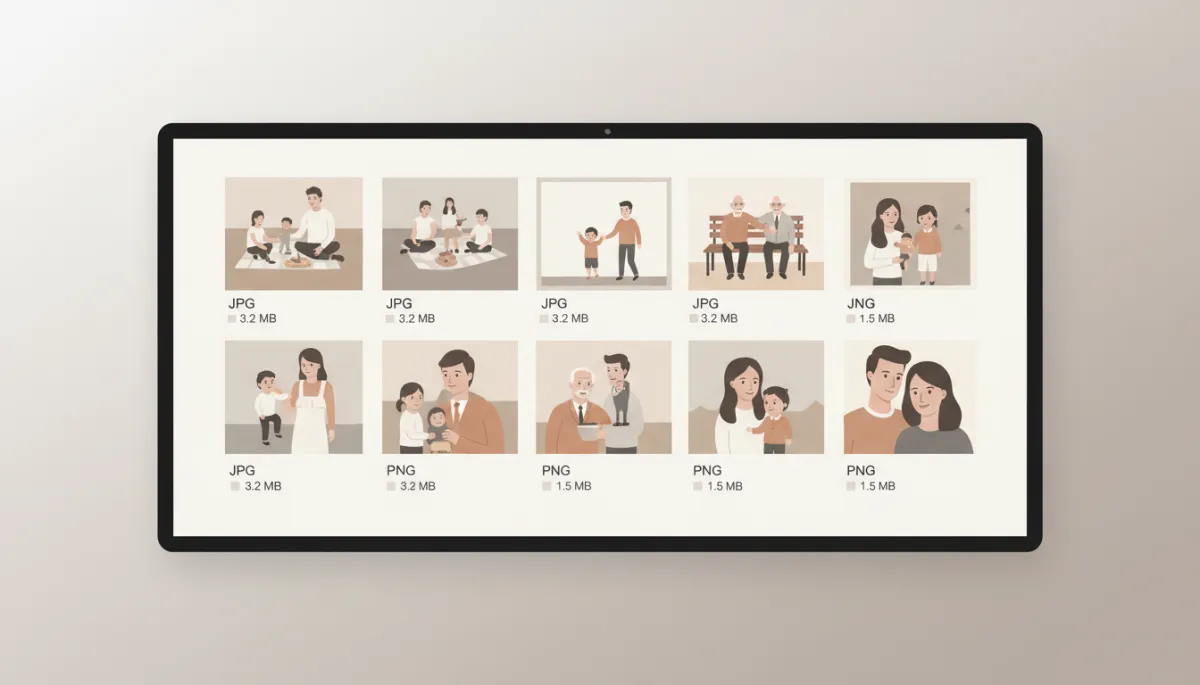
JPG keeps photo collections light and shareable, while PNG preserves every subtle detail.
PNG: Maximum Detail for Editing and Preservation
PNG is built for clarity and precision. Because it uses lossless compression, it keeps all the information captured by the scanner—ideal when you need every grain, line, and letter to be as accurate as possible.
Pros of PNG for Scanned Photos
Lossless quality: No image data is thrown away, even after multiple saves.
Excellent for restoration: Ideal for color correction, dust and scratch removal, and retouching work.
Sharper details and text: Great for photos with writing on the back, documents, or mixed photo–text layouts.
Cons of PNG for Scanned Photos
Larger file sizes: A full archive in PNG will require more storage and backup space.
Slower to move around: Uploading, downloading, or sending large batches can take noticeably longer.
Best Use Cases for PNG
Archival “master” files you want to preserve for decades.
Professional restoration, retouching, or color correction projects.
Large prints, enlargements, or design work where every pixel counts.
How to Decide: JPG, PNG, or Both?
A simple rule of thumb is this: choose JPG for convenience and everyday viewing, and choose PNG for quality, editing, and long-term preservation. Many families and organizations prefer a hybrid approach—PNG files as the archival master set, with JPG copies created for quick sharing and casual use.
At USA Imaging, Inc., we help you match the format to your goals and can provide both versions when you want flexibility. Whether you’re building an online family album or preparing a professional restoration project, choosing the right format at the scanning stage ensures your memories look their best now and in the future.
Contact us today to discuss your photo scanning options—we’ll guide you through JPG, PNG, resolution, and more, so you can preserve your images with confidence.


