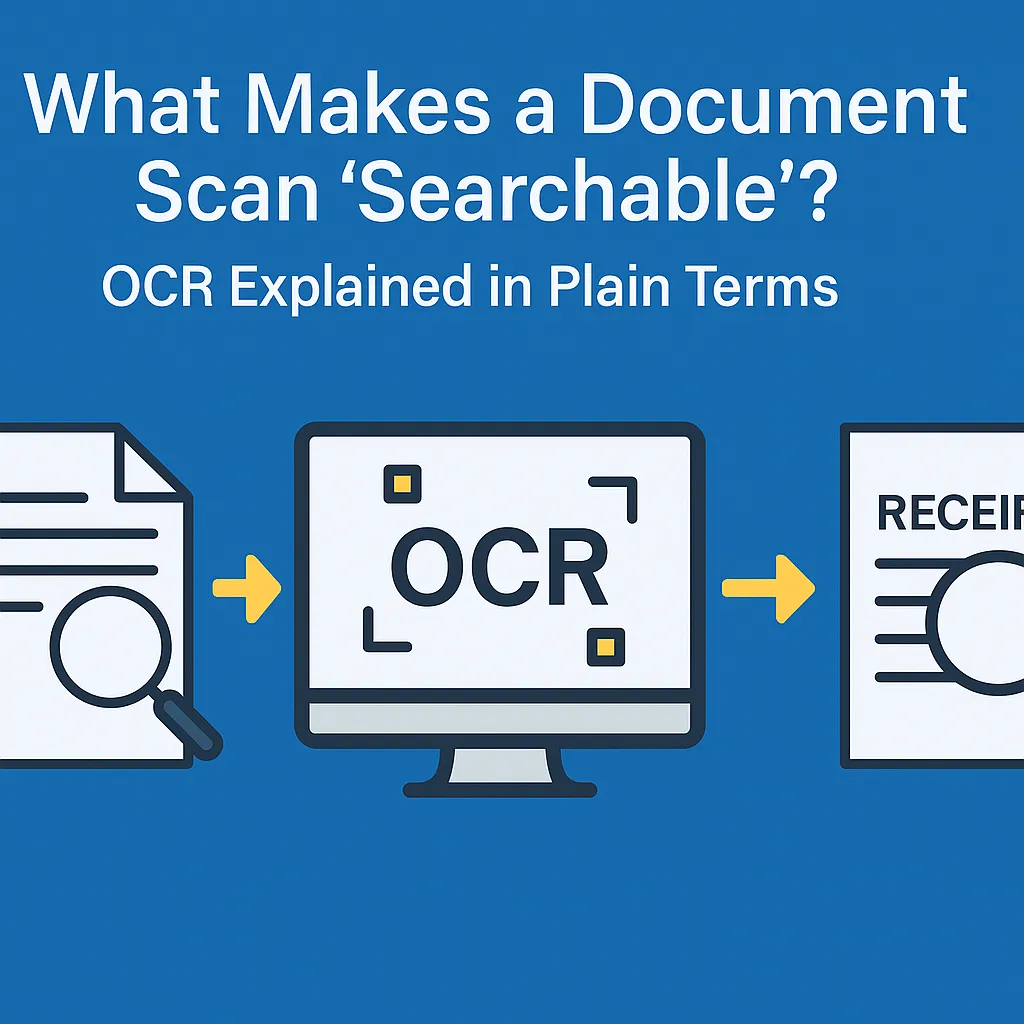
What Makes a Document Scan ‘Searchable’? OCR Explained in Plain Terms
By USA IMAGING, Inc.
When someone says a scanned document is “searchable,” what does that really mean? If you’ve ever tried to find a word inside a PDF and couldn’t—even though you knew it was there—you’ve seen the difference between a basic scan and a searchable document.
Let’s break it down in simple terms.
🧾 What Happens When You Just Scan?
A standard scan is like taking a photo of a page. It looks right, but your computer only sees it as an image—not as text. That means:
You can’t search for words
You can’t highlight or copy-paste
You can’t extract data for indexing
🔍 What Is OCR?
OCR stands for Optical Character Recognition. It's the process that turns scanned images of text into machine-readable characters.
With OCR, your PDF becomes:
Searchable (you can type Ctrl+F to find words)
Selectable (you can copy-paste)
Indexable (keywords can be used to label or organize the file)
🧠 How It Works (Plain English)
Imagine OCR as a smart reader. It looks at a scan and says:
“That squiggle looks like the letter ‘R’... and the next one’s an ‘E’... oh, it says ‘RECEIPT’!”
It uses pattern recognition and language models to match shapes to letters and numbers—even through wrinkles, smudges, or fading ink.
🗂️ Why Searchable Documents Matter
Law firms can find case references instantly
Accounting teams can pull invoice numbers on demand
Governments and cities can retrieve files without digging through folders
Everyone saves time and avoids frustration
At USA Imaging, Inc., We OCR Every Day
We scan and convert thousands of pages per day using advanced OCR technology—ensuring your files don’t just look good, but work smarter too.


