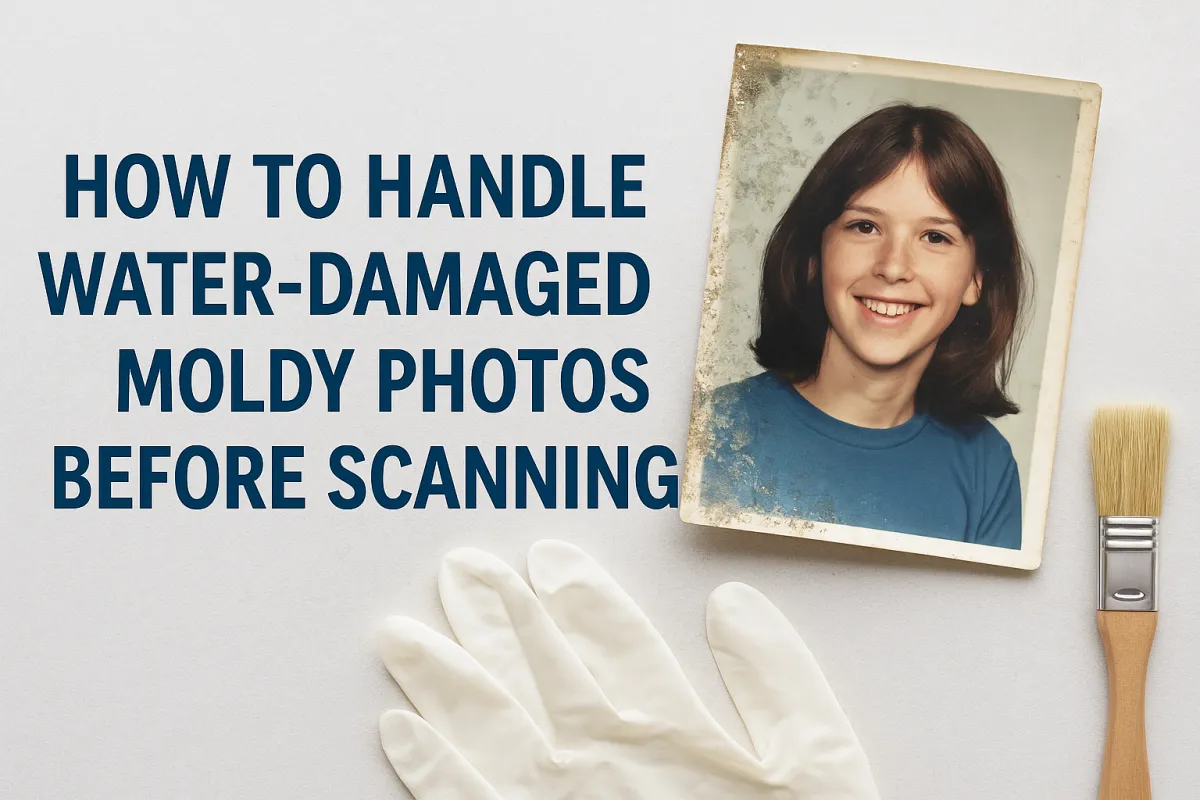
How to Handle Water-Damaged or Moldy Photos Before Scanning
By: USA IMAGING, Inc.
If you’ve discovered a box of old photos that smells musty, shows signs of mildew, or has stuck together from water exposure—don’t panic. While water-damaged and moldy photos are fragile, many of them can be saved and digitized if handled correctly.
This guide explains how to safely prepare aging or weather-damaged photo collections for scanning, and what to avoid to prevent further harm.
⚠️ Why You Shouldn’t Wait
Moisture and mold can permanently destroy printed photos. The longer they sit:
The more mold spreads
The more photos stick together or curl
The harder they are to restore or scan clearly
Digitizing damaged photos freezes the decay and gives you a clean, digital backup—before time erases those memories forever.
🧤 First Things First: Safety & Setup
Mold spores from old photos can irritate lungs and skin. Before handling:
Work in a well-ventilated area, ideally outside
Wear gloves and a mask
Lay photos flat on a clean, dry surface
Keep pets and children away
📦 If the Photos Are Stuck Together…
Do not try to peel them apart when wet or heavily fused.
Instead:
Let the stack air dry at room temperature
Place sheets of wax paper or parchment between each print if slightly separated
Once dry, see if gentle separation is possible using a soft spatula or dental floss
For very valuable or stubbornly fused photos, contact us—we can evaluate them for non-damaging scanning options.
🌬️ If the Photos Are Wet or Damp…
Blot gently with a clean, lint-free towel—do not rub
Lay prints face-up on paper towels or screen drying racks
Avoid direct sunlight or blow dryers—they can warp or curl the paper
Once dry, gently flatten under light weight if needed
🧼 If the Photos Show Mold or Mildew…
Do not wipe with water or household cleaners.
Try this instead:
Use a soft brush (like a paintbrush or clean makeup brush) to gently remove surface mold
Lightly vacuum through a HEPA filter if the mold is powdery and dry
Isolate moldy prints from clean ones to prevent spread
Scanning can often enhance faded details and reduce visual signs of mold, even if the physical print remains damaged.
🖼️ How We Scan Damaged Photos at USA Imaging
We treat water-damaged and moldy photos as delicate historical documents. Our process includes:
Flatbed scanning with no pressure or rollers
High-resolution capture (600–1200 DPI)
Digital restoration: color correction, scratch and stain removal
Optional separation assistance for stuck or curled photos
Return of both digital files and preserved originals
We’ll never scan anything that would worsen the condition of your photos. If we can’t scan it safely, we’ll let you know right away.
📞 Don’t Let the Damage Get Worse
Time, humidity, and mold can quietly ruin your photo collection. Scanning preserves what’s left—and gives your family access to memories that would otherwise be lost.
Call USA Imaging at (858) 513-6565,
Email: [email protected],
or Request a Quote today.
We’ll handle your photos with care, and give them a second life in digital form.


